The latest measurements, together
Find weight and body measurements in the same client area. Keep the date of each entry in view.
Progress analytics
Bring measurements, charts and progress photos into the client’s follow-up. Look across weeks, check the original entries and prepare a review grounded in what your client has recorded.
Paid plans start with a 30-day trial. Cancel during your trial.
Find the client’s latest measurements.Animated preview · fictional data
Find weight and body measurements in the same client area. Keep the date of each entry in view.
Use charts to see changes over time, then inspect the points behind them. A wider view helps put individual readings in perspective.
Return to measurement history and review progress photos in the client profile. Bring that context into your next conversation.
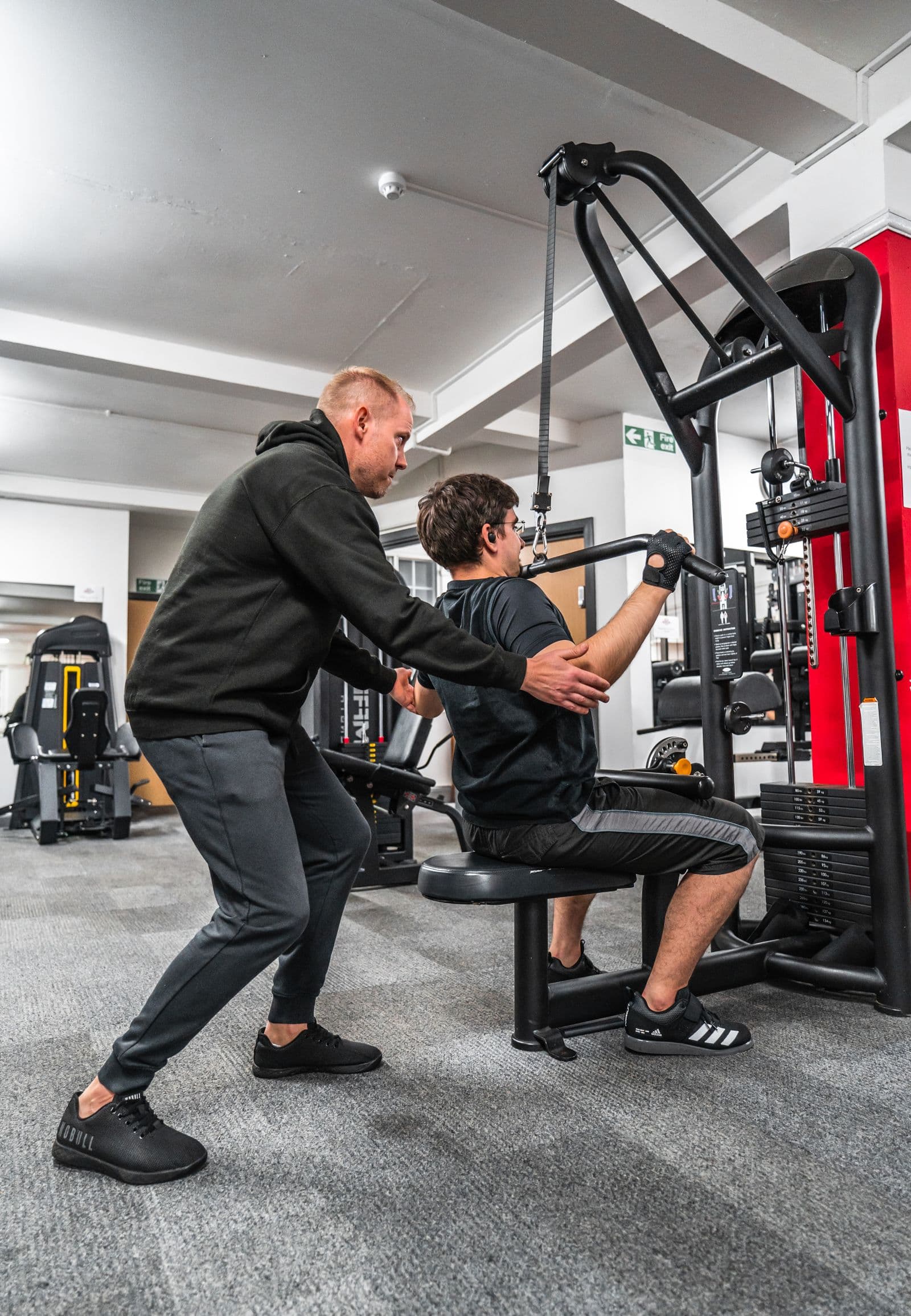 Use the record to support the conversation.
A better-prepared review
One reading rarely tells the whole story. Keep a clear record, compare it over time and discuss the changes with the person behind the numbers.
From the entry to the review
Start with the latest recorded measurements and their dates. Identify which part of the follow-up you want to review.
Read changes across a period and inspect individual points. Open the history to verify the underlying entries.
Review the record with the client’s plans and photos available nearby. Use your judgment to decide what to discuss or adapt.
VitaLift supports weight and body measurements including waist, hips, chest and arms. The client’s progress area brings the recorded values and trends together.
Yes. The measurement history keeps dated values available so you can review the original entries rather than relying only on a line chart.
No. The charts organize recorded wellness and fitness information. They do not provide a diagnosis, prescribe treatment or guarantee a particular outcome.

Bring clients, plans, progress, messages, and payments into one organized platform.
Paid plans start with a 30-day trial. Cancel during your trial.