Exercise library
Add exercise instructions, media, equipment and target muscles.
Fitness coaching software
Create sessions from your exercise library, schedule them across the week and assign the program to a client. Review what they complete before planning the next step.
The program builder
Keep your reusable sessions on the left and arrange them in the weekly calendar. Adapt the content for the client without rebuilding every program from scratch.
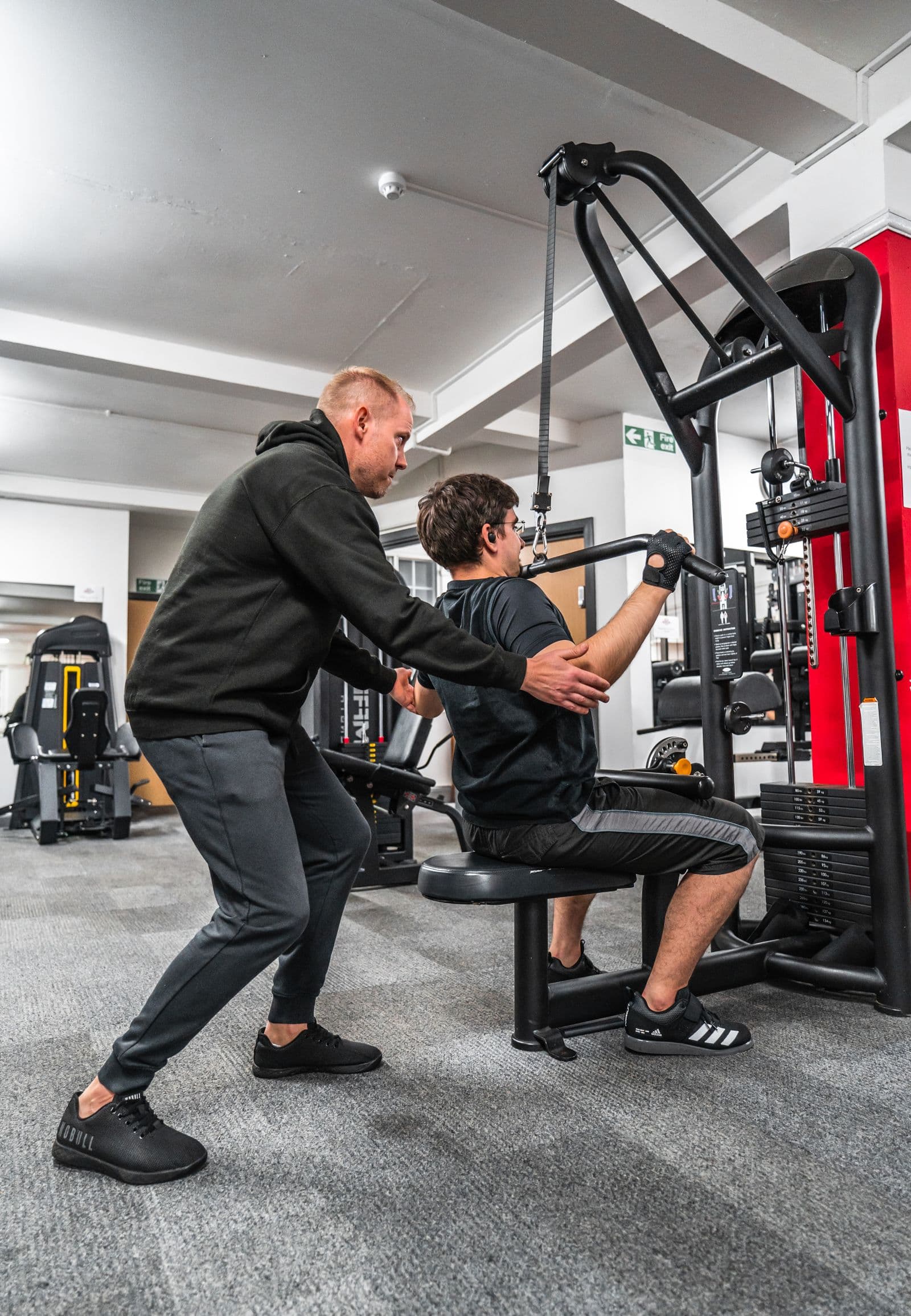
The plan and latest updates in the same profile.
Training tools
Go from an individual exercise to a multi-week program without switching tools.
Add exercise instructions, media, equipment and target muscles.
Combine exercises and circuits. Set targets, rest periods and coaching notes.
Arrange sessions by day and week, then reuse a structure for another client.
Discuss a session or an adjustment directly in the client conversation.
Review the recorded training and progress before updating the program.
Deliver the assigned program through the VitaLift client mobile app.
Your programming process
Keep a reusable foundation while making room for each client’s schedule and response to training.
Choose the exercises and define the work for each session.
Schedule sessions, add recovery days and duplicate your weekly structure.
Check workout logs and feedback, then adjust the upcoming training.
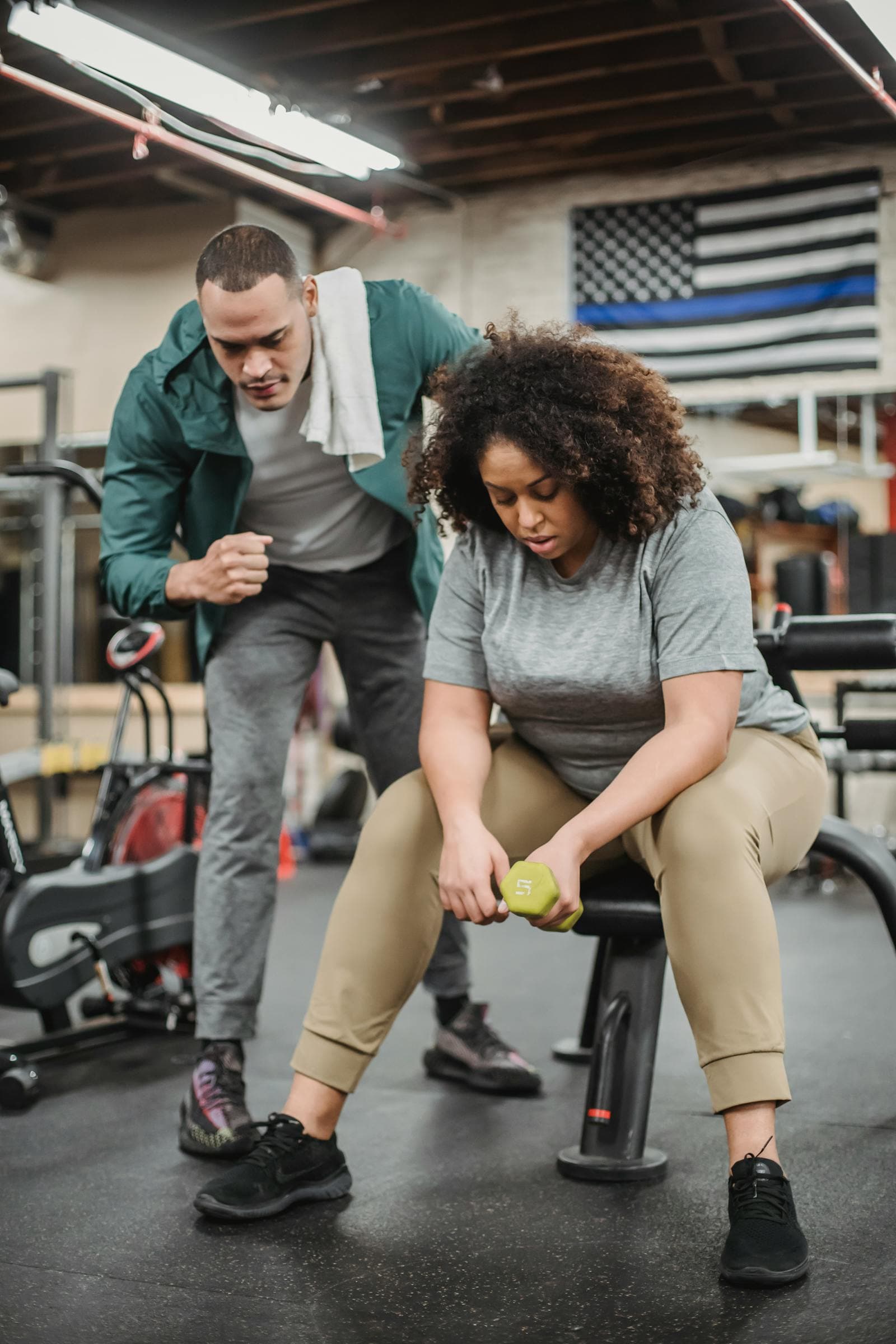
Between sessions
Use recorded workouts and client feedback to inform the next conversation. If the schedule or training needs to change, update the program and keep the follow-up in the client profile.
Your own library
A good session should not need to be rebuilt for every client. Organize your exercises, sessions and programs so you can adapt them when a similar need comes up.
VitaLift
Training, nutrition and client follow-up in the same workspace.
FAQ
Plans, follow-up and client access.
Yes. Add an exercise with its instructions, media, equipment and muscle information, then use it in your sessions.
Yes. The program builder organizes sessions by day and week. You can duplicate weeks and adjust the schedule.
Clients follow assigned training in the mobile app and record their workouts. You can review the logs and discuss adjustments with them.
Start with a session, arrange the week and invite your first client.